AI for researchers has gone from a curiosity to an everyday tool in about two years. Used well, it gives you back hours every week: the inbox triage, the first-pass literature search, the error message you’ve stared at since lunch. Used badly, it invents references, flattens your writing and sends data where it shouldn’t go. The Working Researcher’s AI Toolkit is six practical guides to getting the first without the second.
We built the toolkit for PhD students, postdocs and early career researchers in dementia and neurodegeneration, but most of it works in any field. It doesn’t assume you’re a tech enthusiast, and it doesn’t assume you’re a sceptic either. It assumes you’re busy, you care about doing good research, and you’d like to know where AI earns its keep and where it doesn’t.
This page explains why AI for researchers matters now, the risk of sitting it out and what good use of AI looks like, then walks through what’s in each guide. At the end, we’d like to hear which guide you’d like us to write next.
In brief
The Working Researcher’s AI Toolkit is a free series of six guides on AI for researchers, covering everything from your morning inbox to your analysis code. It’s for anyone doing research, whether you use AI every day or haven’t opened ChatGPT yet. Across the six guides you will:
- Save time on the routine jobs: keeping up, job hunting, admin and first drafts of the dull stuff.
- Get better at the work that matters: sharper writing, a wider reading of the literature and code you can trust.
- Use AI in a way you can stand behind: checking what it tells you, protecting your data and being open about it.
Each guide stands on its own, so start with whichever one you need. If you’re not sure, Day 1’s morning briefing is the easiest win.
Why AI for researchers matters now
Most researchers are already using AI in some form, and the numbers on AI for researchers have moved fast. The pressure on researchers’ time hasn’t eased either, which is a big part of why.
84%
of researchers used AI in their work in 2025, up from 57% a year earlier (Wiley)
85%
of those researchers said it had made them more efficient (Wiley)
45%
of researchers feel they have enough time for research (Elsevier)
Early career researchers are leading the way. In Springer Nature’s survey of more than 10,000 researchers, around 48% of early career researchers used AI frequently to gather information and edit their papers, compared with around 34% of more established colleagues (Springer Nature).
The bigger point isn’t the percentages. AI is now very good at the parts of research life that eat your week without moving your science forward: sifting email, scanning new papers, reformatting a CV, tidying code. Hand those over and you get time back for thinking, reading properly, talking to participants and doing the analysis well. That’s the case for learning this, and it’s a good one.
The risk of being left behind
Nobody has to use AI. But it’s worth being clear-eyed about what sitting it out costs.
Your peers are getting faster. If the postdoc down the corridor spends ten minutes on a literature scan that takes you an afternoon, that gap adds up over a contract. It shows in publications, in grant applications and in how much headspace they have left for the interesting problems.
Employers are asking for it. Across the wider jobs market, AI skills are moving from “nice to have” to expected. In the US, employers in a spring 2026 survey said more than a third of entry-level jobs now require AI skills, nearly triple the figure from autumn 2025 (NACE). Research careers aren’t immune, especially if you’re thinking about roles in industry, data science or research management. Being able to say how you use AI well is becoming part of a strong application.
The tools change quickly, and catching up gets harder. The researchers who get the most from AI are the ones who started small and built the habit. The longer you leave it, the bigger the jump feels.
The good news: you’re better placed than you think. AI for researchers is most useful to people who know their subject well enough to spot when it’s wrong. That’s you. You don’t need to become a technologist, you need a handful of good habits and a few prompts that work.
Good use of AI for researchers: five habits
Being positive about AI doesn’t mean using it for everything. As researchers have used it more, they’ve also become more realistic: in Wiley’s survey, concern about inaccurate or invented answers rose from 51% to 64% in a year (Wiley). That’s healthy. Good use of AI in research comes down to five habits, and every guide in the toolkit is built around them.
1. You stay the author. AI can edit, critique and suggest, but the ideas, the argument and the judgement are yours. Day 4 shows how to use it as an editor, not a ghostwriter.
2. You check everything. AI can sound confident and still be wrong. Check every reference, every number and every line of code. Day 5 covers tools that link to real papers, and Day 6 shows how to test code against a known answer.
3. You protect your data and your participants. Anything you paste into a public AI tool leaves your computer. Participant data, unpublished results and confidential documents need extra care, and your institution’s approved tools come first. Day 6 has a “Can I paste this?” checker.
4. You’re open about it. Many journals and funders now ask you to say how you used AI, and the rules differ, so check before you submit. Disclosure is still patchy: in an Oxford University Press survey, 48% of researchers hadn’t fully disclosed AI use in grant applications (Times Higher Education). A short, clear note protects you.
5. You keep learning the skill yourself. Use AI to explain, not just to do. If it writes your code, ask it to walk you through it. If it summarises a paper, read the methods yourself. The aim is to come out of each task knowing more, not less.
What each AI for researchers guide covers
Here’s what the six AI for researchers guides cover. Each one has copy-and-paste prompts, a worked example and a “be careful” section, and most of the tools are free.
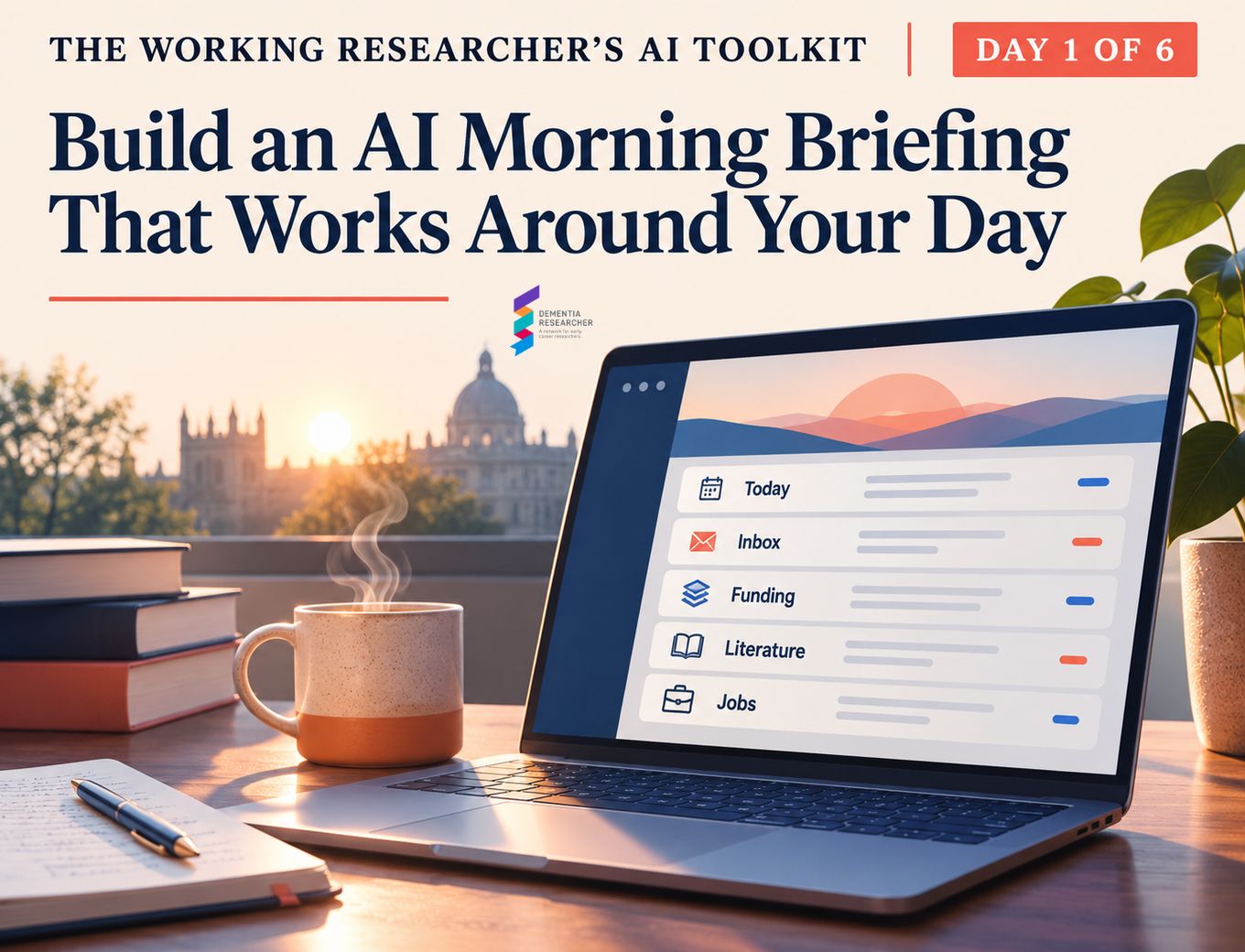
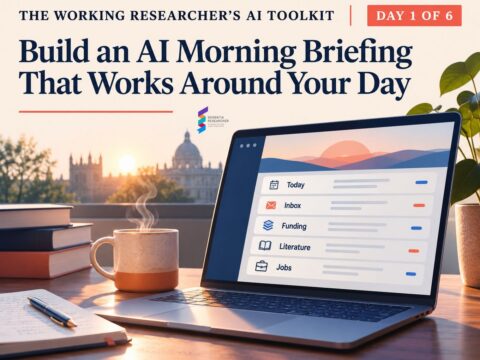
Day 1 · Morning briefing
Build an AI morning briefing that works around your day
Set up a daily digest of your inbox, calendar, new papers and funding calls, ready before your first coffee. It covers both routes: connecting AI to your email and calendar, or keeping them separate and pasting in only what you choose.
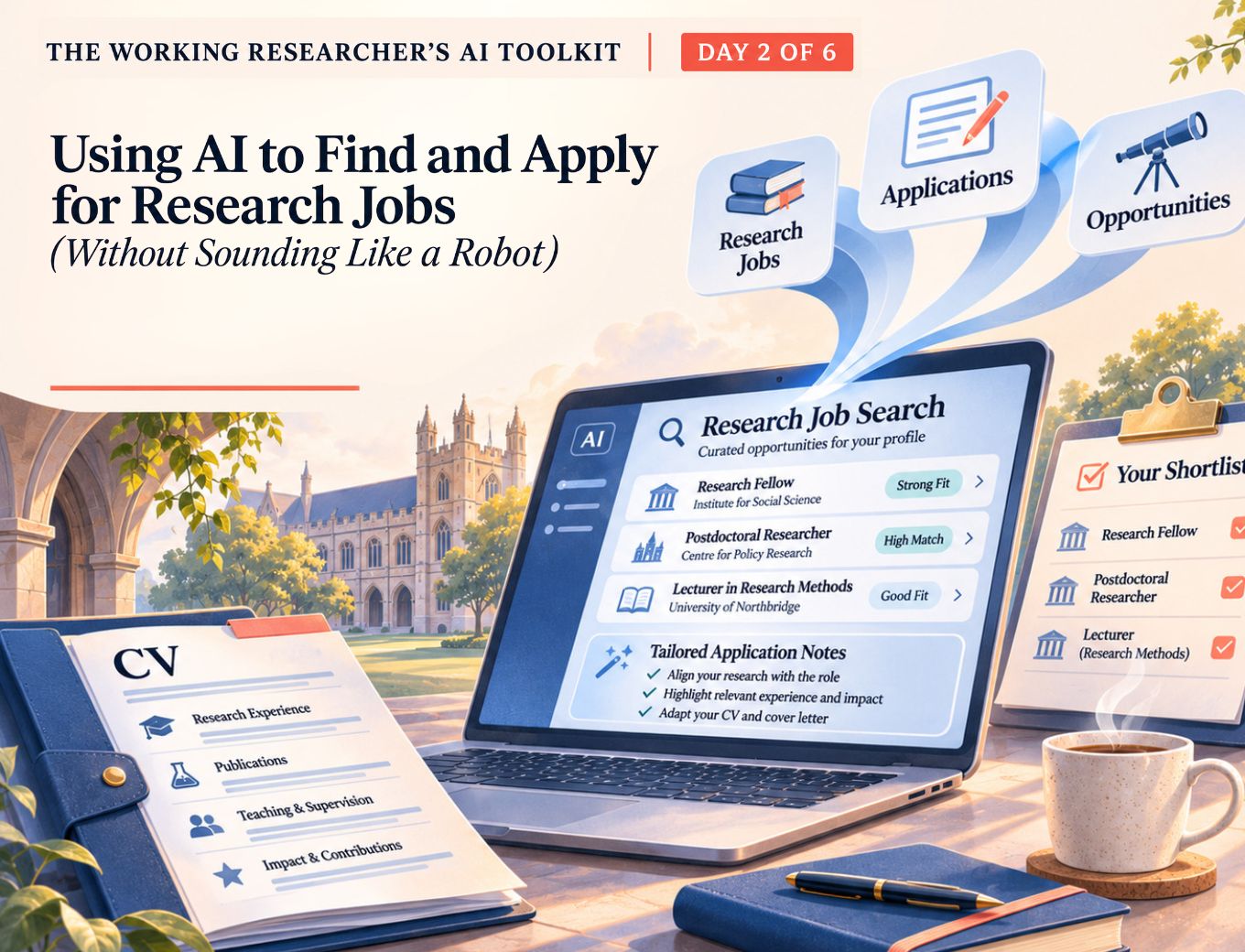
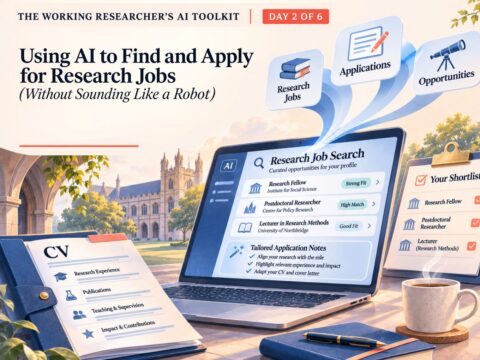
Day 2 · Finding a job
Find and apply for research jobs, without sounding like a robot
Set up a job search that runs itself, get around the job sites that block AI, and use AI to critique your application rather than write it, so the panel hears you, not a chatbot.
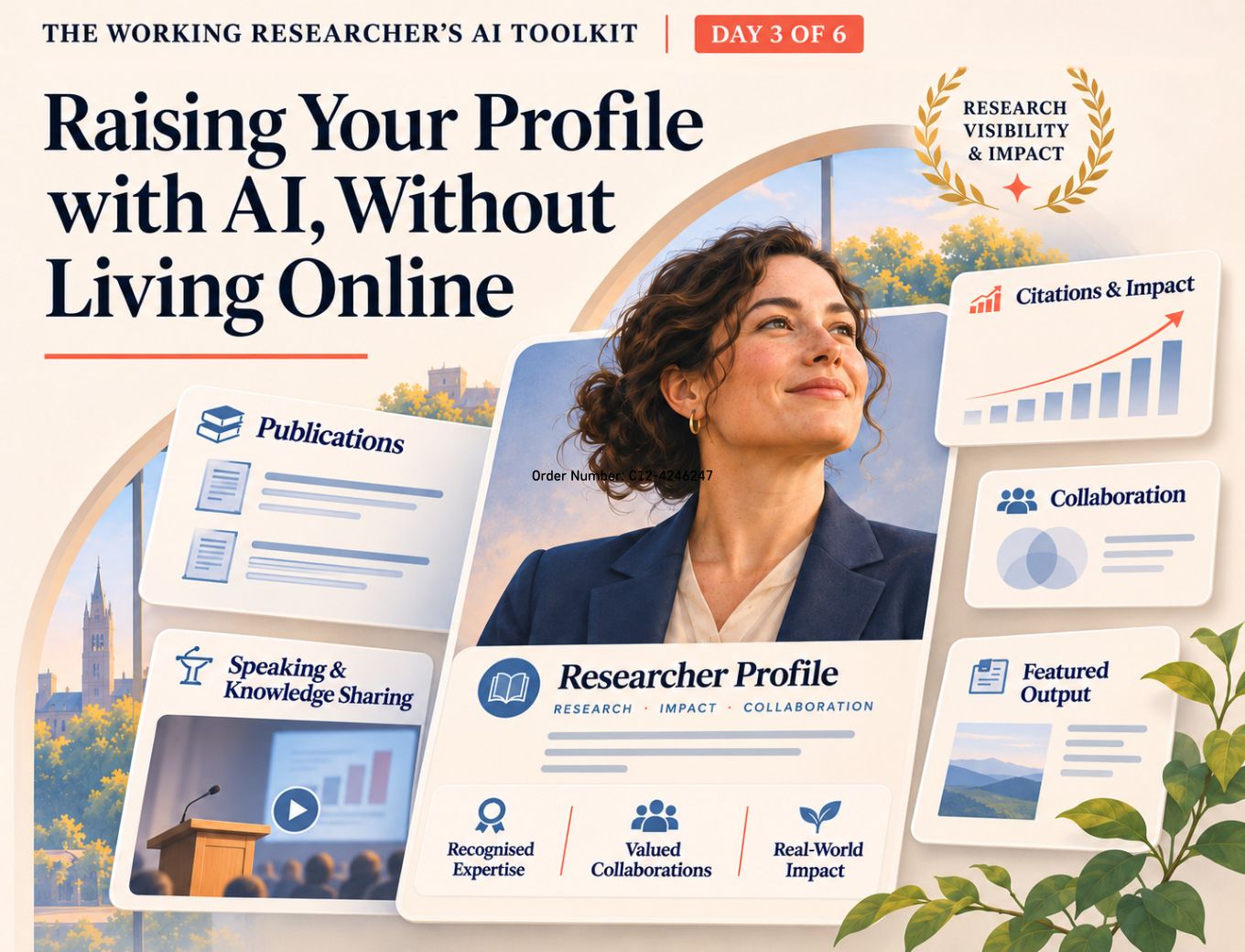
Day 3 · Raising your profile
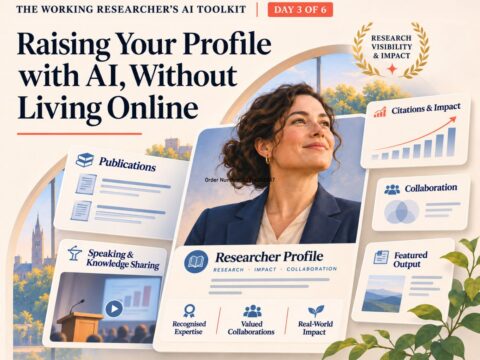
Raise your research profile, without living online
Check how people and AI tools see you online, turn one paper into posts, a plain-language summary and a pitch, and spot the moments in your field worth adding your voice to.
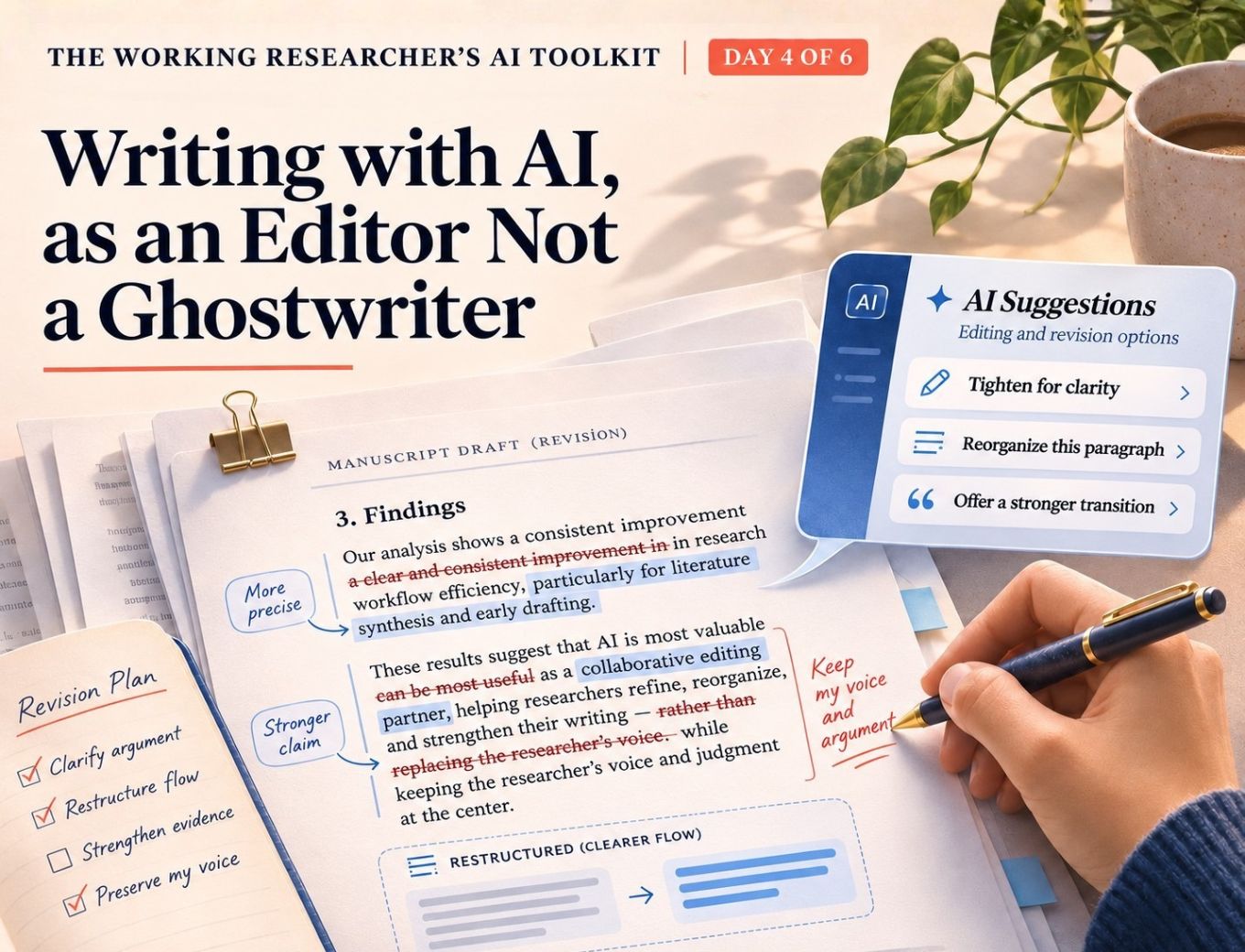
Day 4 · Writing
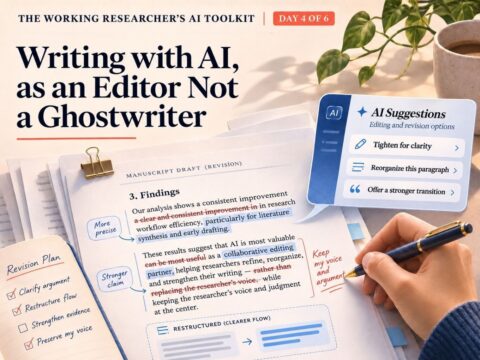
Writing with AI: use it as an editor, not a ghostwriter
Use AI to tighten, check and critique your papers, grants and thesis while keeping your own voice, and stay within what funders and journals allow.
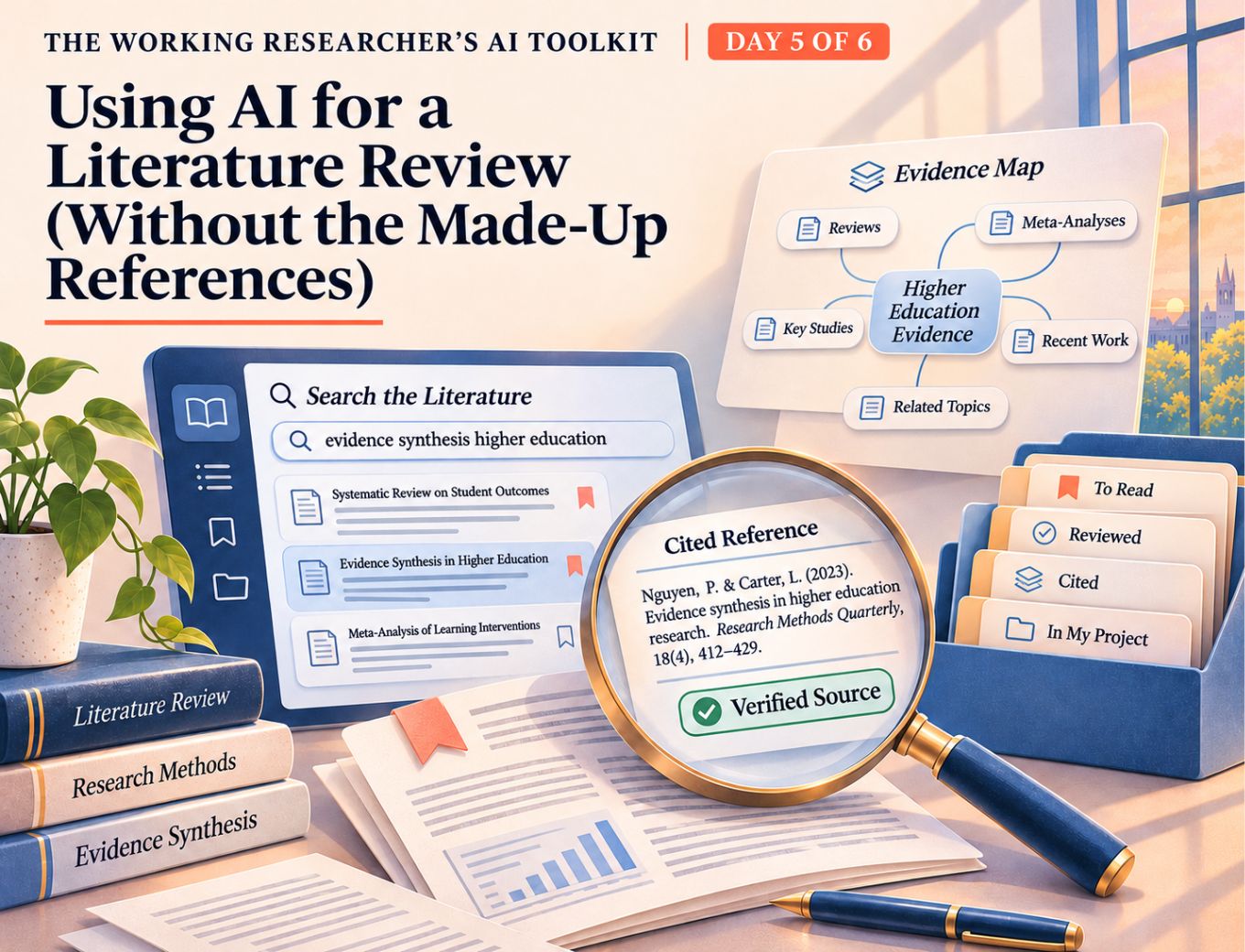
Day 5 · The literature
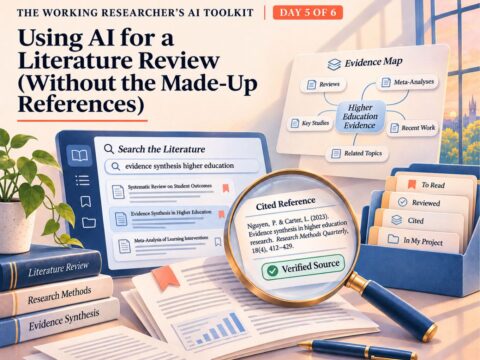
Using AI for a literature review, without the made-up references
Build a better search, question papers properly and get up to speed on a new field fast, using tools that link to real papers, not invented ones. There’s a bonus on turning papers into podcasts with NotebookLM.
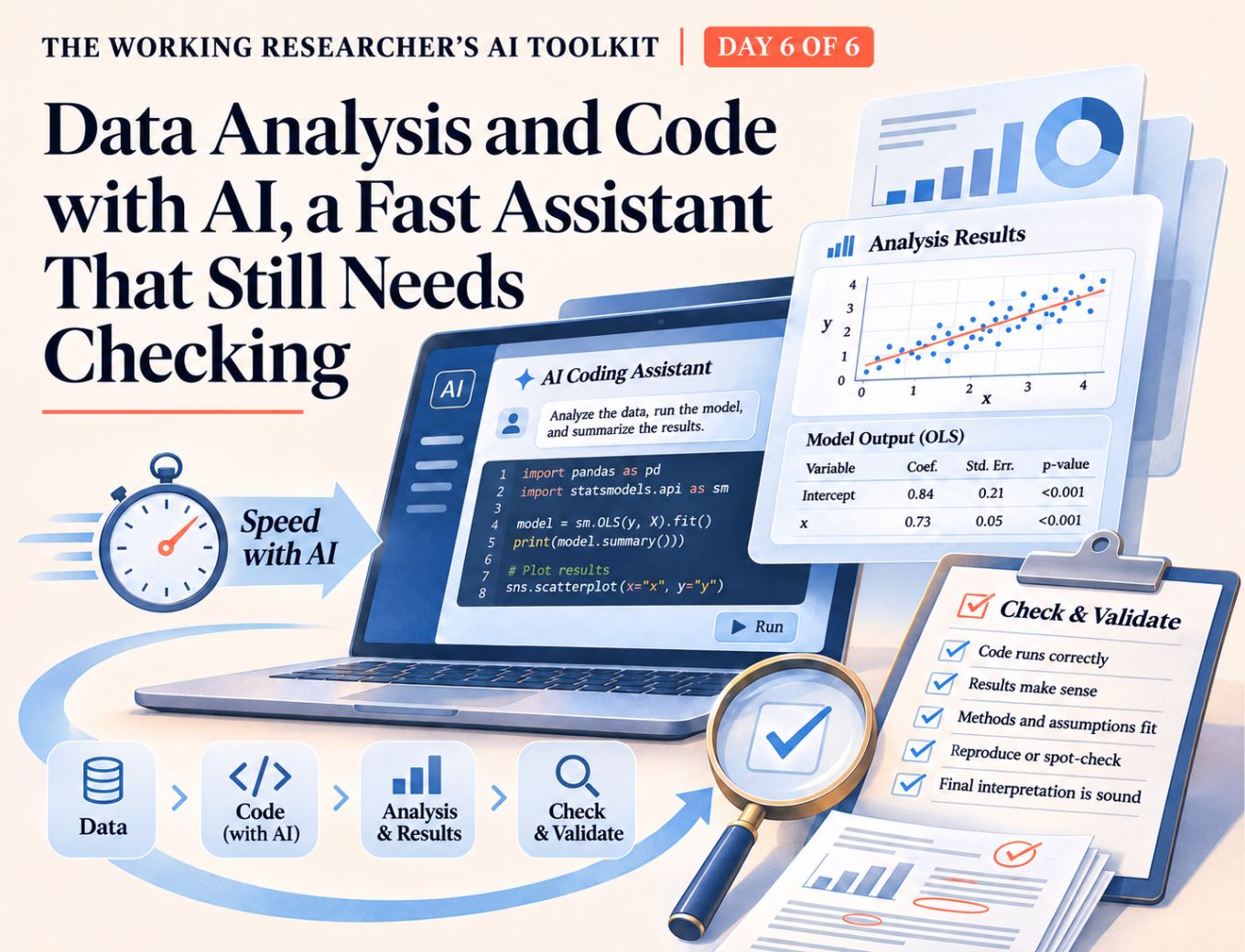
Day 6 · Data and code
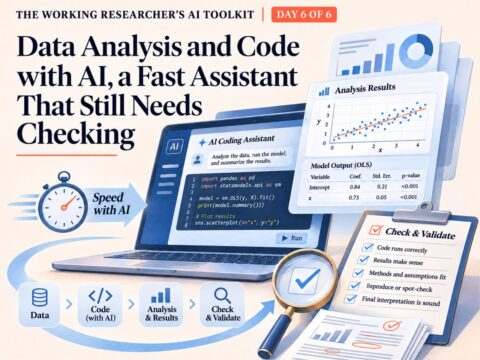
Using AI for data analysis and code, without risking your participants’ data
Plan an analysis, write and fix R or Python, translate old SPSS syntax and check the output, all tested on dummy data so your real data stays put. It includes three free interactive tools.
Three free tools to try
Day 6 includes three interactive tools you can use straight away: a “Can I paste this?” checker for deciding what’s safe to share with an AI tool, a setup picker that suggests the right tools for your data, and a dummy data prompt builder.
How to use this AI for researchers toolkit
Start with one guide, not six. Pick the job that annoys you most this week and start there. One habit that sticks is worth more than six you tried once.
Use whichever AI you already have. The prompts work in ChatGPT, Claude, Gemini and Microsoft Copilot. If your university gives you Copilot or another approved tool, start with that, because it usually comes with better data protection.
Copy, paste, then adapt. Every prompt is written to be used as it is, with clear spaces for your own details. Once it works, change it to suit you, and keep your favourites somewhere you can find them.
Come back to it. The series sidebar on every guide shows where you are and what’s next, so you can work through them at your own pace.
What should we write next?
This is the first round of the toolkit, and we’d like your help deciding what comes next. Is there a part of your research life where you’d like a practical AI guide? Grant applications from start to finish, preparing a conference talk, peer review, teaching and supervision, running a lab, managing meetings and admin? Or something we haven’t thought of?
Tell us which guide you want next
Email us your ideas, or a prompt that works well for you, and we’ll share the best ones. If you’re stuck with an AI tool, bring your question to Office Hours, our monthly drop-in chat in the Dementia Researcher community.
Common questions about AI for researchers
How can researchers use AI?
The most common uses are finding and summarising literature, editing writing, writing and fixing code, and handling admin like email and scheduling. AI is strongest at routine, time-consuming tasks and weakest where judgement and accuracy matter most, so it works best as an assistant you check, not an authority you trust. The six guides above cover each of these uses with prompts you can copy.
Is it OK to use AI in research?
Yes, for most tasks, as long as you stay responsible for the work, check what it produces, protect confidential data and follow your institution’s, funder’s and journal’s rules. What’s allowed varies, particularly for grant applications, peer review and thesis writing, so check the specific policy before you start. Day 4 goes into this for writing.
What is the best AI tool for research?
There isn’t one best tool. General assistants like ChatGPT, Claude, Gemini and Copilot are good all-rounders for writing, brainstorming and code. For the literature, tools that search real papers, such as Elicit, Consensus and Scite, are safer than a general chatbot because they link to their sources. Day 5 compares them.
Can AI write a research paper?
It can produce something that looks like one, but that’s not the same as good research writing. AI-written papers tend to be generic, can contain invented references and errors, and most journals won’t accept AI as an author. It’s far more useful as an editor: tightening your drafts, checking clarity and playing critical reviewer.
Do I have to disclose AI use in research?
Often, yes. Many journals ask authors to say how they used AI, typically in the methods or acknowledgements, and many funders and universities have their own rules. Requirements differ, so check the policy for the journal, funder or university you’re dealing with. When in doubt, a short, clear statement is the safe choice.
Is it safe to put research data into AI tools?
Not always. Anything you paste into a public AI tool is sent to the company’s servers, and some tools may use it to train future models unless you change the settings. Never paste identifiable participant data into a public tool. Use your institution’s approved tools, test with dummy data, or run AI on your own computer. Day 6 covers all three.
Will AI replace researchers?
Not any time soon. AI can speed up parts of the job, but research depends on asking the right questions, designing good studies, working with participants and judging what results mean. What’s more likely is that researchers who use AI well will have an edge over those who don’t.
How do I start learning to use AI for research?
Start with one small, low-risk task you do every week, like summarising your inbox or tidying a paragraph, and use a free tool or the one your university provides. Use a tested prompt, check the result, and build from there. Any of the six guides is a good starting point, and you can bring questions to our Office Hours.

 Dr Ajantha Abey